Wi-Fi Deauther vs. Jammer — What’s the Difference?
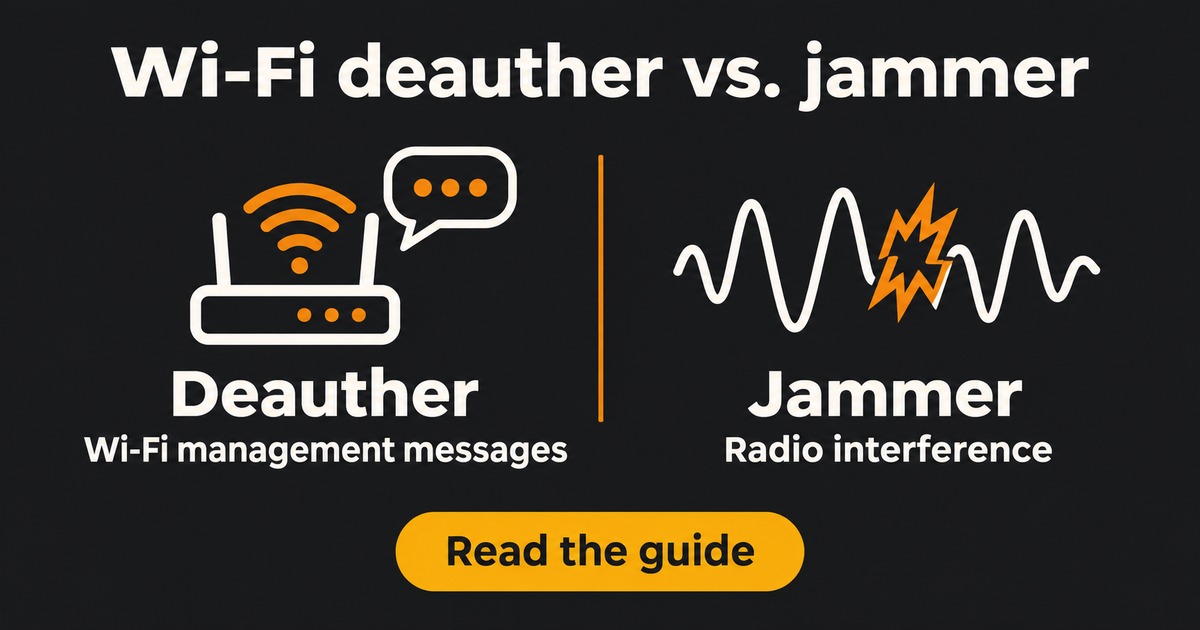
Your video call freezes, the Wi-Fi icon disappears, and two devices reconnect a few seconds later. Was it a Wi-Fi deauther, a jammer, or an ordinary outage? A deauther attempts to end a Wi-Fi connection through management messages. A jammer interferes with radio reception. The difference matters because each calls for a different kind of troubleshooting.
What does a Wi-Fi deauther do?
Deauthentication is part of ordinary Wi-Fi operation. An access point or client can use a management message to end a connection. A deauthentication attack attempts to abuse that behavior with forged messages. When Protected Management Frames (PMF) is negotiated and active, it helps protect covered deauthentication and disassociation frames against forgery. Cisco’s guide to management frame protection
What does a jammer do?
A radio jammer deliberately interferes with reception. Affected devices may struggle to exchange data even though the router is running. PMF can protect certain messages but cannot restore a disrupted radio link. Ordinary interference and poor coverage can also make Wi-Fi slow or unreliable, so those symptoms alone cannot tell you whether interference is deliberate. Ofcom’s explanation of radio interference and jamming
How to check a drop on your own network
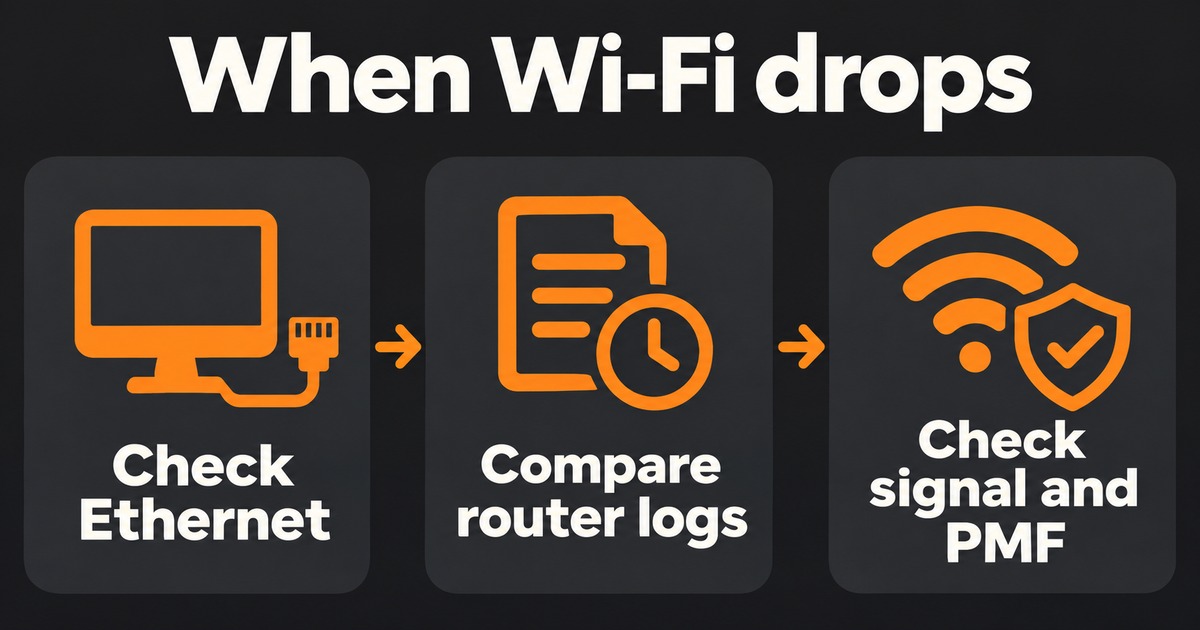
- Compare Wi-Fi with Ethernet. If a wired computer also loses internet, check the router and provider connection first. If Ethernet stays up, focus on the wireless connection.
- Note which devices dropped and when. Compare router uptime and wireless logs against the time of the drop. A single deauthentication entry can reflect a normal disconnect. Repeated drops without a restart are a reason to investigate further.
- Check signal and connection security. If the issue recurs, note the affected room, device, and access point. Check whether PMF was active for the affected client. Share the details with your network administrator or router vendor if you need help.
A disconnect, a weak signal, or a log entry can point you toward the next check. Those clues alone can’t identify who or what caused the outage. Read our guide to checking for possible Wi-Fi deauthentication.
Does WPA3 stop a jammer?
WPA3 uses PMF to protect covered management messages after the connection is established. A device can still lose service because of interference, a restart, or weak coverage. For a mixed WPA2/WPA3 network, check the mode and PMF status the affected client actually negotiated. Why Wi-Fi 6 devices can still disconnect on WPA3.
Keep troubleshooting to networks you own or have permission to assess. Deliberate radio interference is restricted in many jurisdictions. In the UK, for example, Ofcom says deliberate interference is illegal unless authorized. Ofcom’s rules on using radio equipment.