What Is Wardriving? A Beginner’s Guide to Wi-Fi Mapping
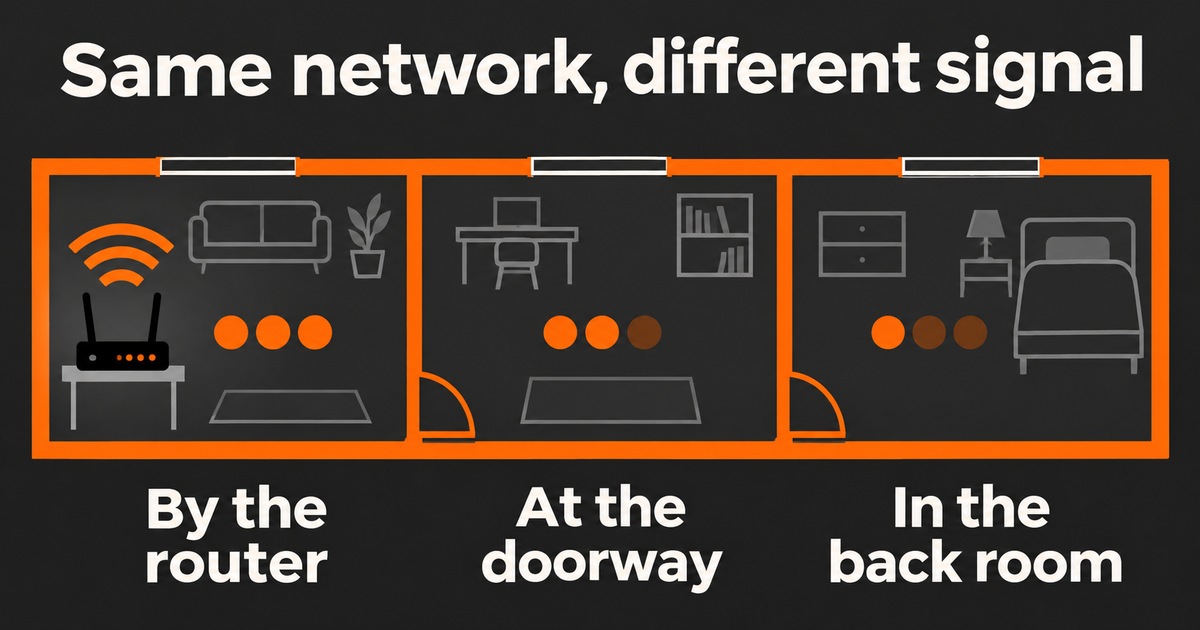
Your phone shows full Wi-Fi bars by the router, then a video call freezes two rooms away. Both observations can be true. A Wi-Fi map records where a signal was observed, so you can see where coverage changes. That is the basic idea behind wardriving.
What is wardriving?
Wardriving means observing and mapping Wi-Fi networks while moving through an area. A wardriver is the person making those observations. A record can pair an approximate location with the signal strength that a particular device saw at that moment.
A passive survey listens for wireless signals without joining an access point. The same idea is useful at home or at work when you want to understand the coverage of a network you manage. Cisco's wireless site survey guide
What a Wi-Fi map can tell you
Imagine comparing three spots on your own network. At the desk next to the router, the signal is strong. At the doorway, it drops. In the back room, reception changes depending on whether the door is open. That pattern gives you a useful clue. Try changing the router's placement, then compare the same spots with the same device and door position.
- Signal strength tells you how strongly your device received the signal at a given spot.
- Coverage shows where reception is consistent and where a room or hallway may need attention.
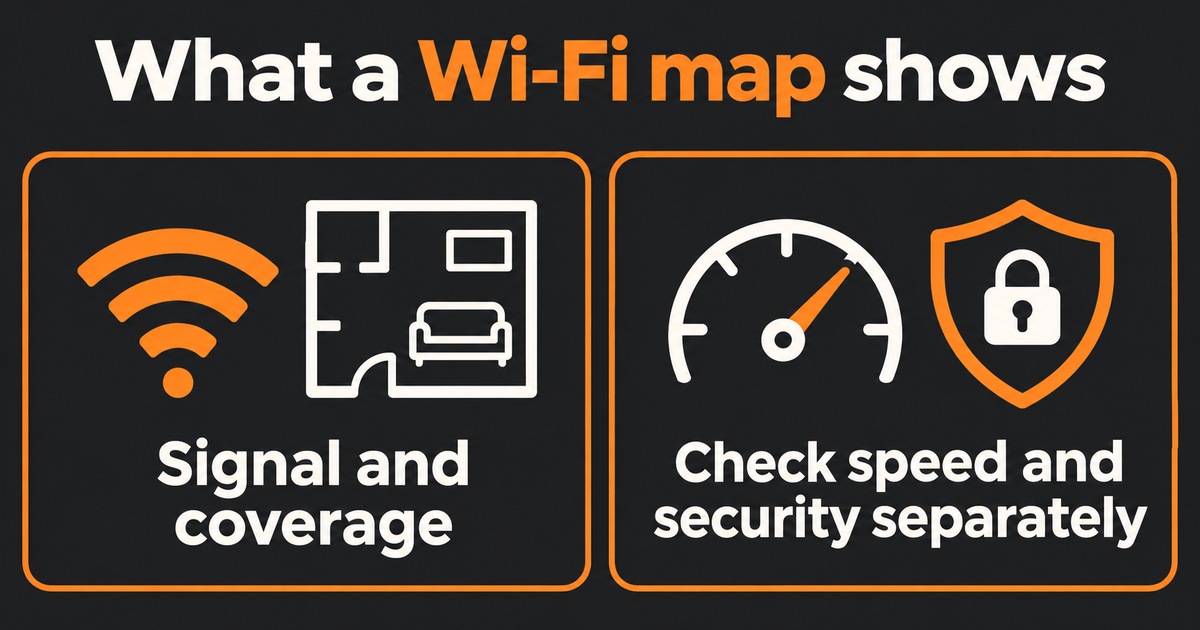
- Speed and reliability need their own checks. Strong signal can coexist with a slow internet connection or busy Wi-Fi.
How to use the idea responsibly
Keep your survey to the network and area you own or have permission to assess. For a home coverage map, room labels such as office, doorway, and back room are enough. Leave nearby network names, device identifiers, and exact addresses out of anything you share. Use a fictional floor plan if you want to explain the result publicly. DeauthKit's responsible-use guidance
Frequently asked questions
Do I have to drive to make a Wi-Fi map?
You can walk through a home or office you’re authorized to survey. Short distances matter indoors, where a wall or a closed door can change what a device receives.
Can a Wi-Fi map tell me if my network is secure?
Use the map to evaluate coverage. Check security separately by reviewing the router settings and what your client actually negotiated. For example, our WPA3 and Wi-Fi 6 guide explains why the security mode shown on a router label can differ from the details of one connection.