Does Changing Your Wi-Fi Password Stop Deauthentication?

Changing your Wi-Fi password can keep someone with the old password from joining again. It won’t, by itself, stop forged deauthentication messages from interrupting an unprotected connection. For that, check whether your router and device are actually using Protected Management Frames (PMF). Cisco’s guide to management frame protection
When should you change your Wi-Fi password?
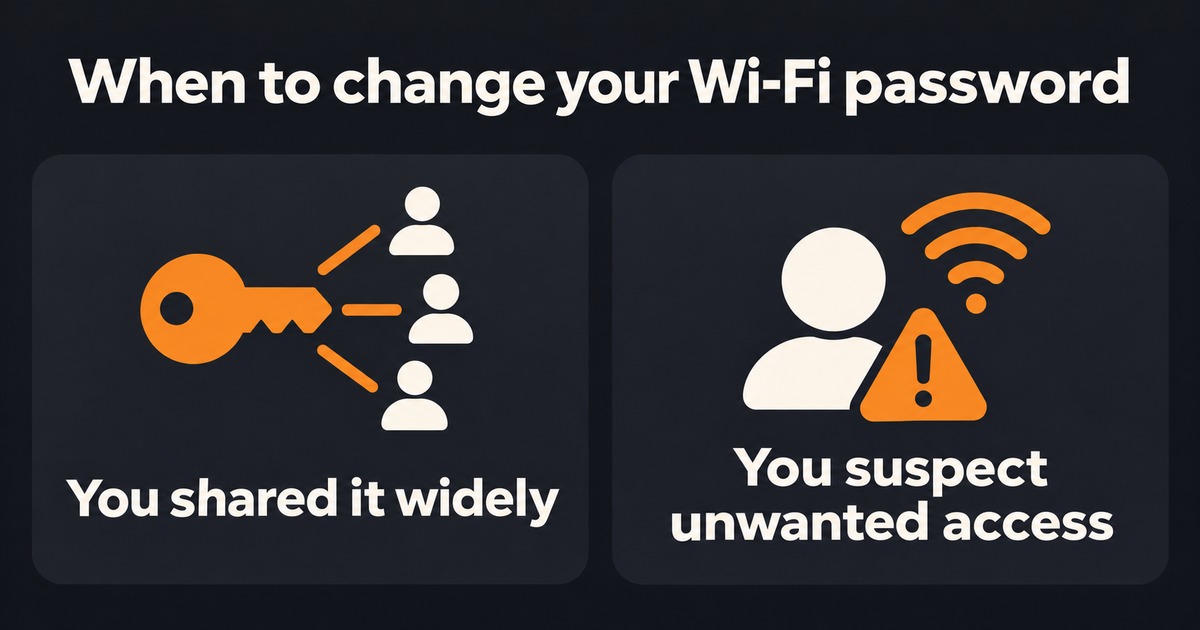
Change it if you suspect someone has the password without permission, if you shared it widely, or if the network still uses a weak password. Set a strong, unique Wi-Fi password and reconnect the devices you trust. Your devices may disconnect while the change takes effect. A drop at that moment is an expected part of changing the settings.
Your router’s admin password controls who can change its settings. The Wi-Fi password controls who can join the wireless network. If you suspect someone accessed the router dashboard, review its settings and change the admin password too. A guest network with its own password can limit how often you share the main one. FTC guide to securing your home Wi-Fi
What protects against forged deauthentication?
PMF helps an access point and its client verify certain management messages, including covered deauthentication and disassociation frames. WPA3 requires PMF on WPA3 connections. If your devices support it, check whether your router can use WPA3-Personal only on the main network. If you use WPA2/WPA3 mixed mode, check the security mode and PMF status of the specific device that keeps disconnecting. A router that offers WPA3 can still be serving a client over WPA2. Cisco’s WPA3 and transition mode guide
PMF protects covered messages. Weak signal, interference, or a router restart can still cause an outage. See our guide to checking and enabling PMF.
What to check if Wi-Fi keeps dropping
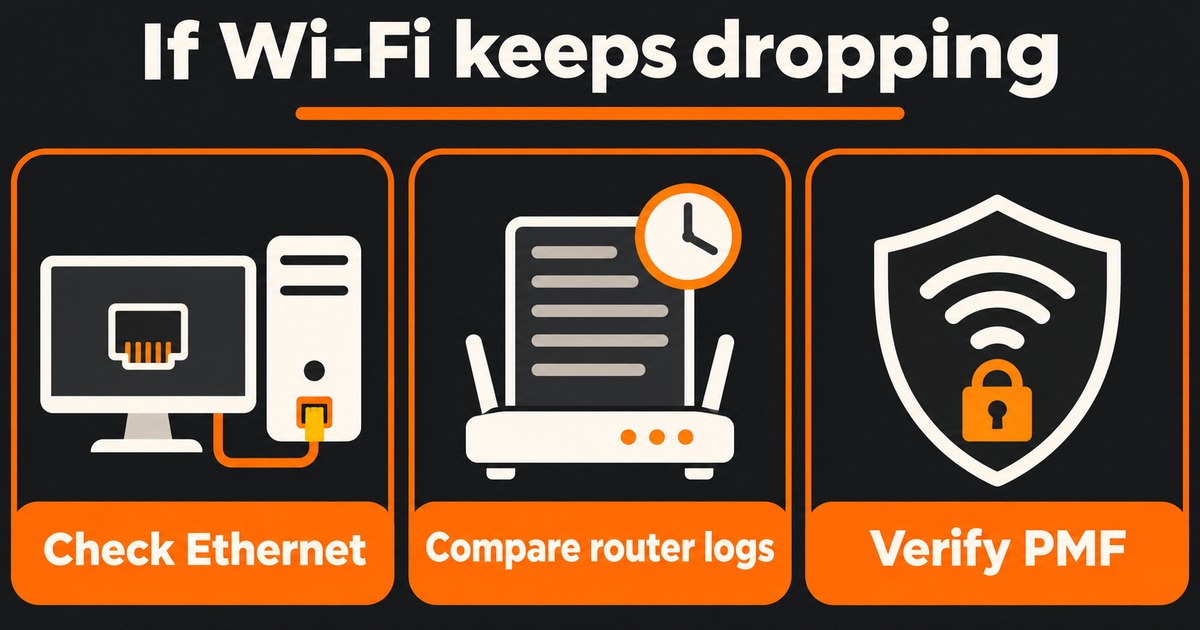
- Check Ethernet during the outage. If a wired device also loses internet, start with the router or provider connection.
- Compare timestamps with router logs. Record which devices drop, then look for restarts, radio events, or ordinary disconnects around the same time.
- Check PMF on the affected client. Review what the device actually negotiated. If the router does not expose that information, check the router manual or ask its support team.
If the drops continue, save the timestamps and router model before making more changes. A single disconnect doesn’t tell you whether someone nearby is using a deauther. Read the guide to checking for possible Wi-Fi deauthentication.